Attendance, fees, notices and reports for coaching centres, schools and tuition classes. Simple for owners, and teachers and students get their own login.
7-day free trial. Android app for everyone; the web portal is for owners and teachers.
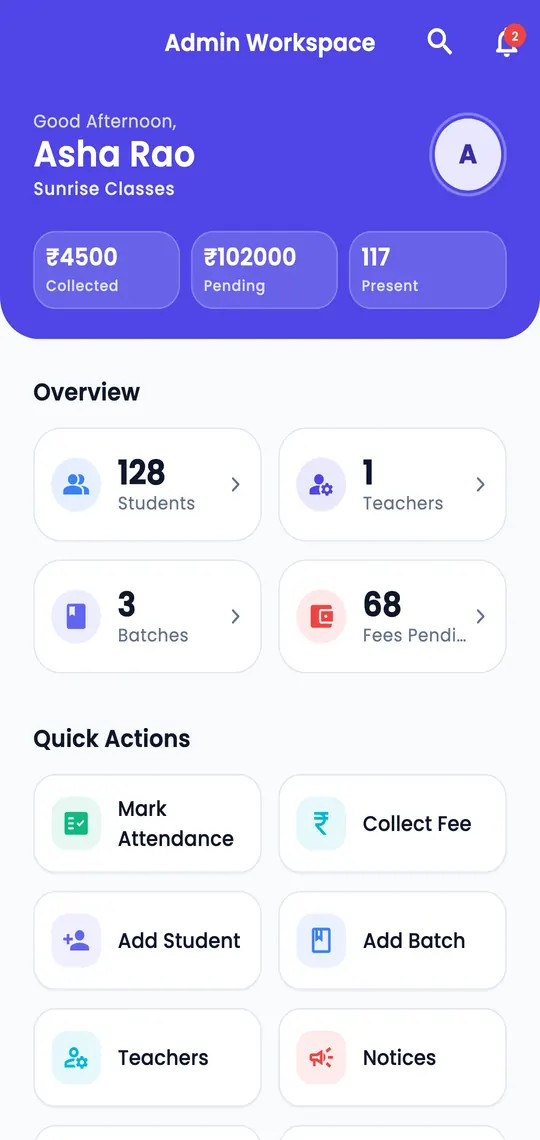
Replace the register, the fee book and the WhatsApp groups with one app.
Mark a whole batch present, absent or on leave. See students who are absent several days in a row and call or message them.
Record payments, see who has not paid, and send a receipt or a reminder on WhatsApp. Late fees and due dates are optional.
Add students one by one or import a whole Excel or CSV sheet. Keep courses, batch timings and monthly fees in one place.
Choose what each teacher can do and which batches they see. Teachers only get what you allow.
Send a notice to everyone, to teachers, to all students or to chosen batches. They get a notification on their phone.
Add holidays and the weekly off once. Everyone, including students, can see what is coming.
Daily attendance, batch and student reports, new admissions and fee collection, ready when you need them.
The app keeps recent data on the phone and only loads what changed, so it stays quick and light on data.
Screens from the app, shown with sample data.
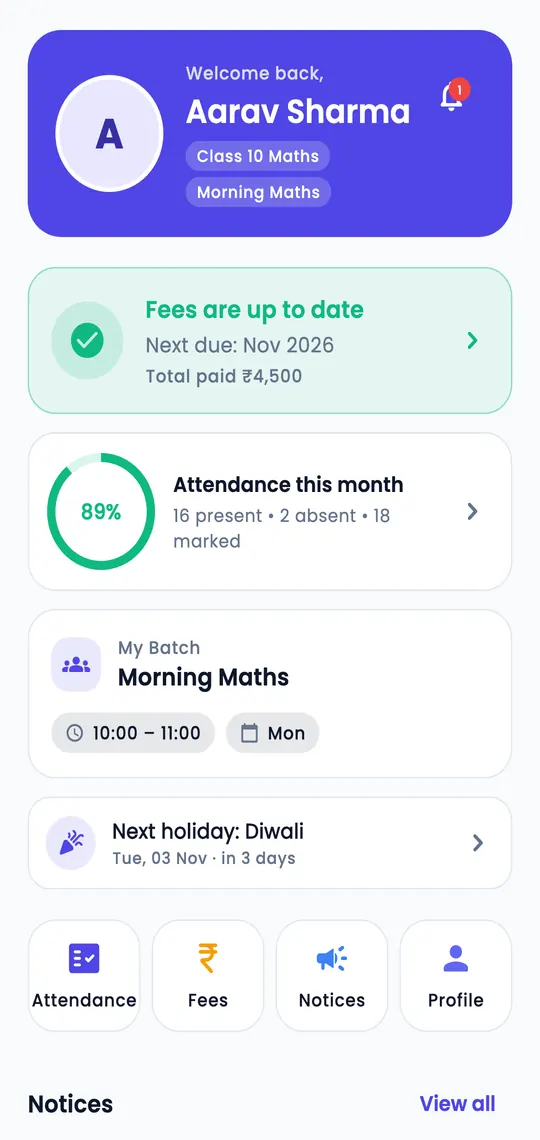
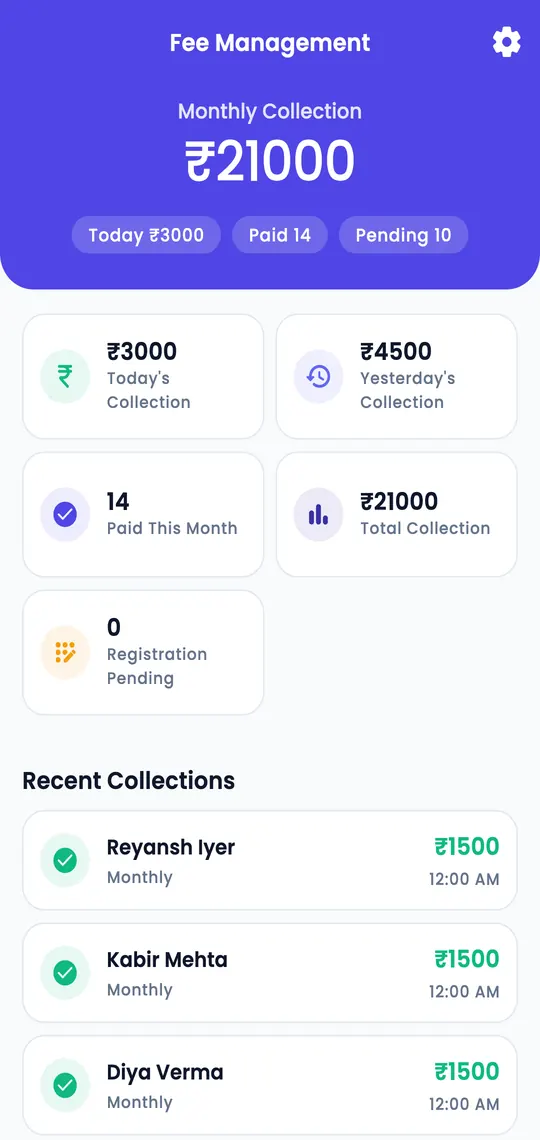
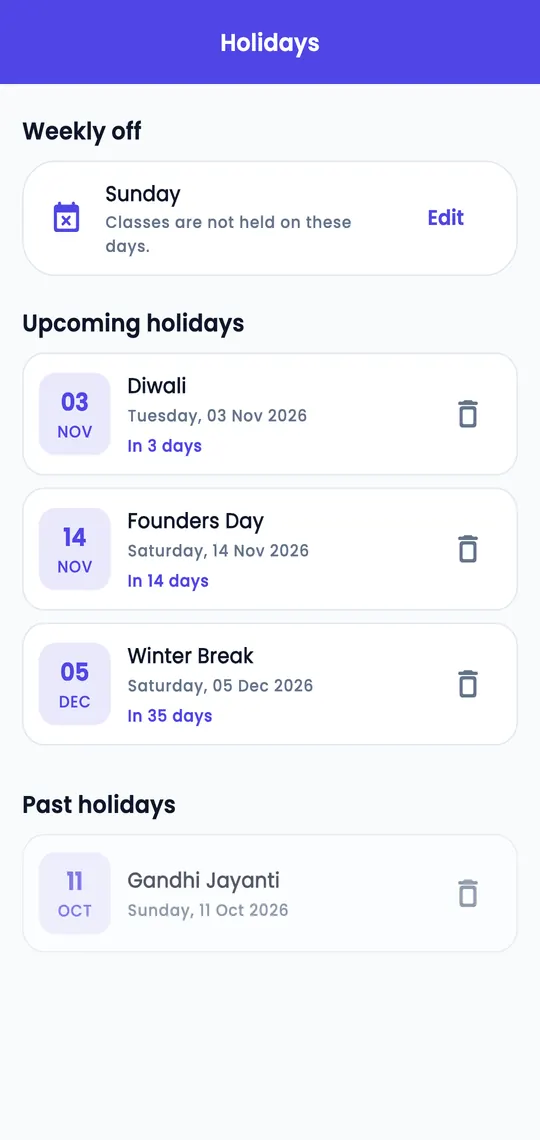
Each person gets what they need, and nothing more.
Full control: students, teachers, fees, reports, notices and settings, on the app and on the web portal.
Take attendance and see the students of their own batches. Fees, reports and more only if the owner allows.
Log in with the institute code and student ID to see attendance, fees, notices and holidays.
Every institute's data is kept separate, and people only see what their role allows. Read the Privacy Policy for details.
Owners, teachers and students use the Android app. Owners and teachers can also use the web portal from any computer.
With the institute code, their student ID and a password. The institute gives them these when it adds them.
You start with a 7-day free trial. Plans are shown inside the app under Settings, then Subscription.
Yes. Use the account deletion page or write to support@manaslabs.in.
In the app open Settings, then Send Feedback. You can also write to support@manaslabs.in.
 Apna Institute